New version 3

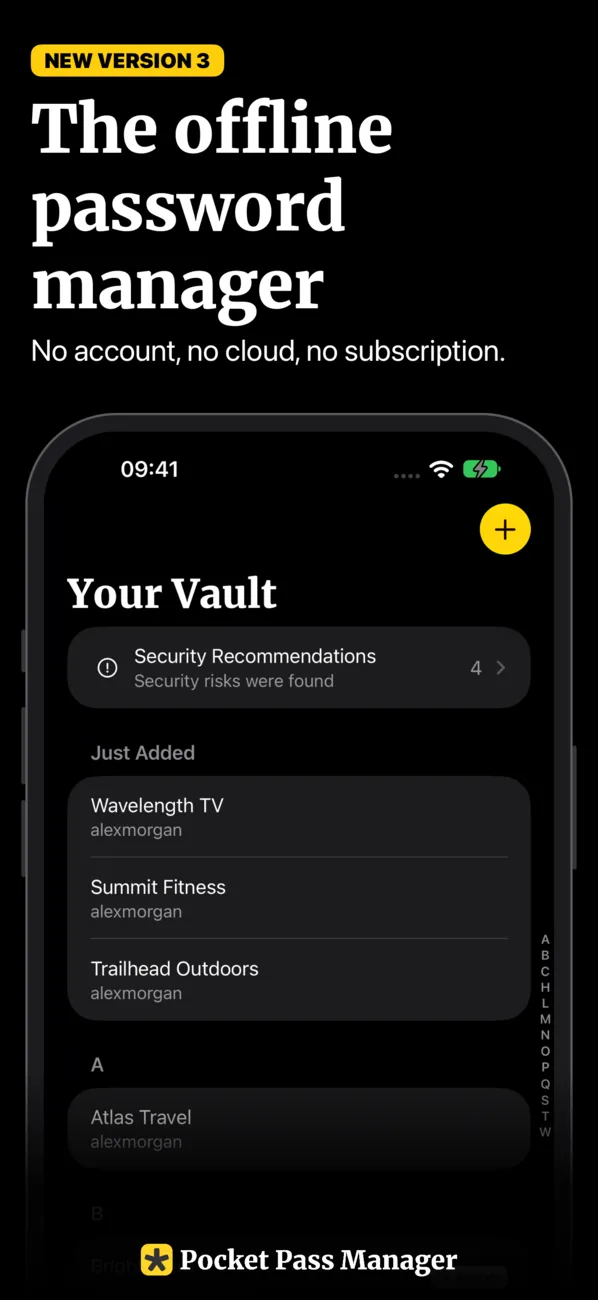
The offline password manager

Pocket Pass Manager keeps your passwords, two-factor codes and private notes on your iPhone, and nowhere else. No account, no cloud, no subscription.

Download on the App Store Download on the App Store

Start for free!

Features of the offline password manager

Simple, easy to use, yet packed with features.

The offline password manager. No account, no cloud, no subscription.
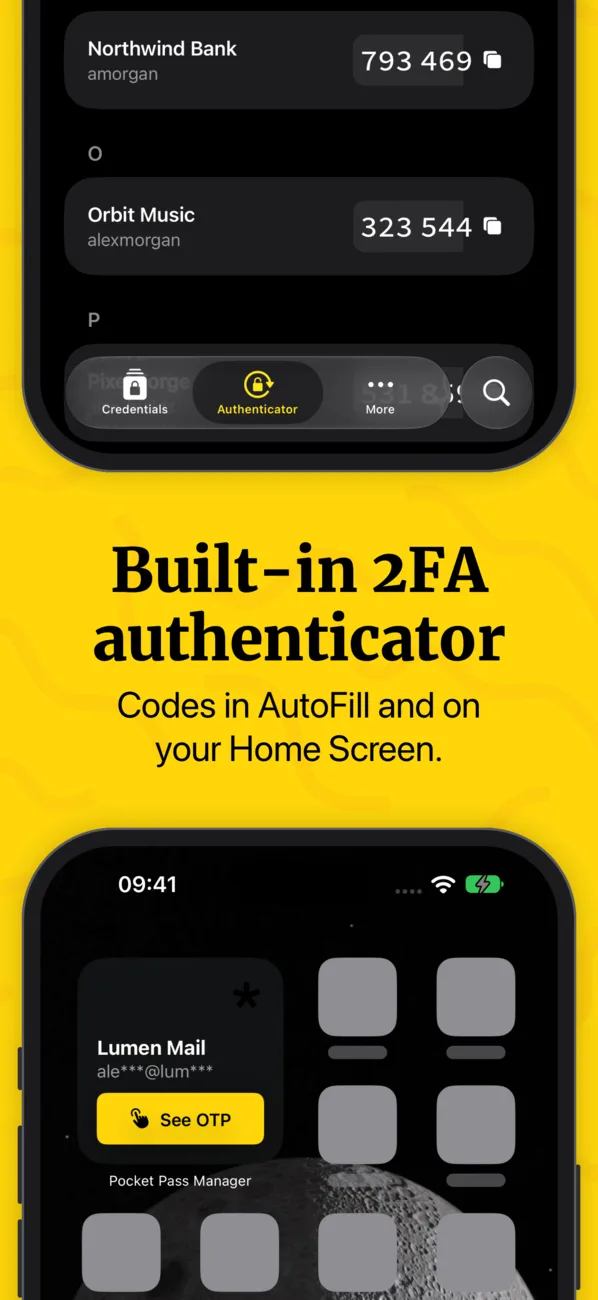
Built-in 2FA authenticator. Codes in AutoFill and on your Home Screen.
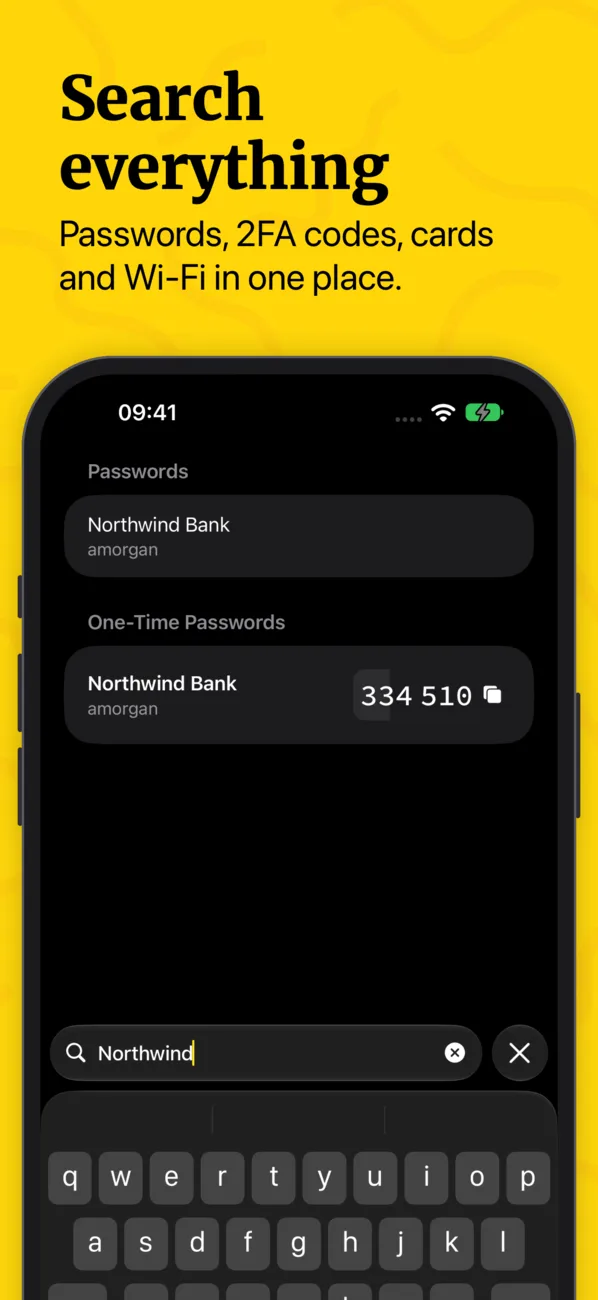
Search everything: passwords, 2FA codes, cards and Wi-Fi in one place.
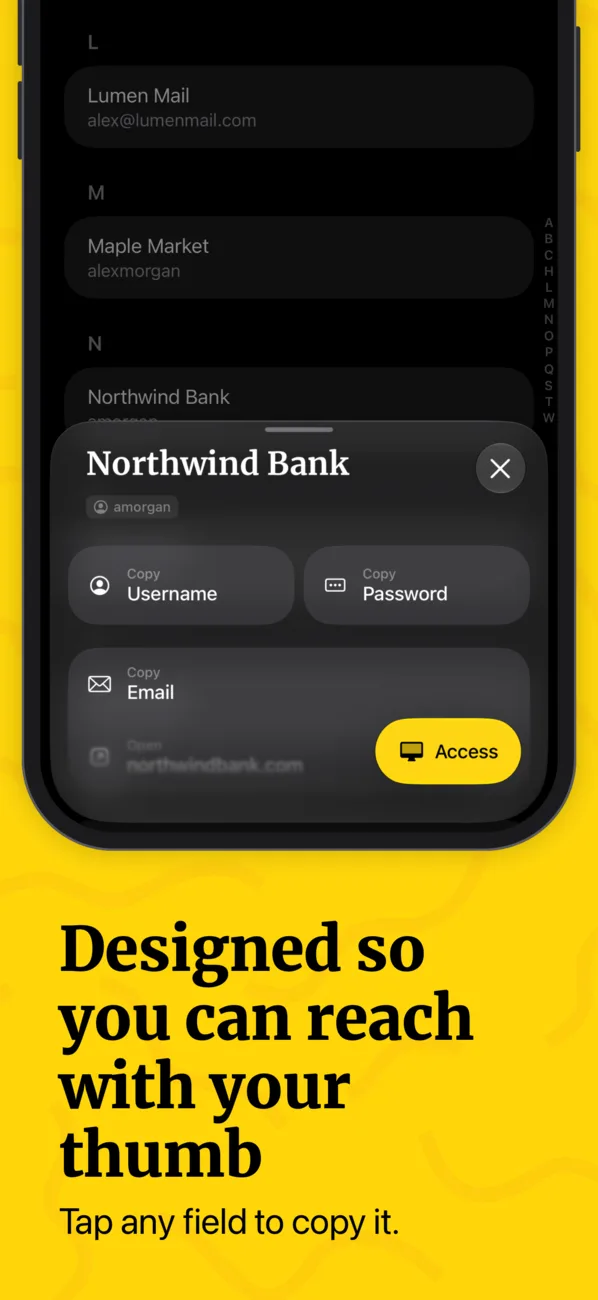
Designed so you can reach with your thumb. Tap any field to copy it.
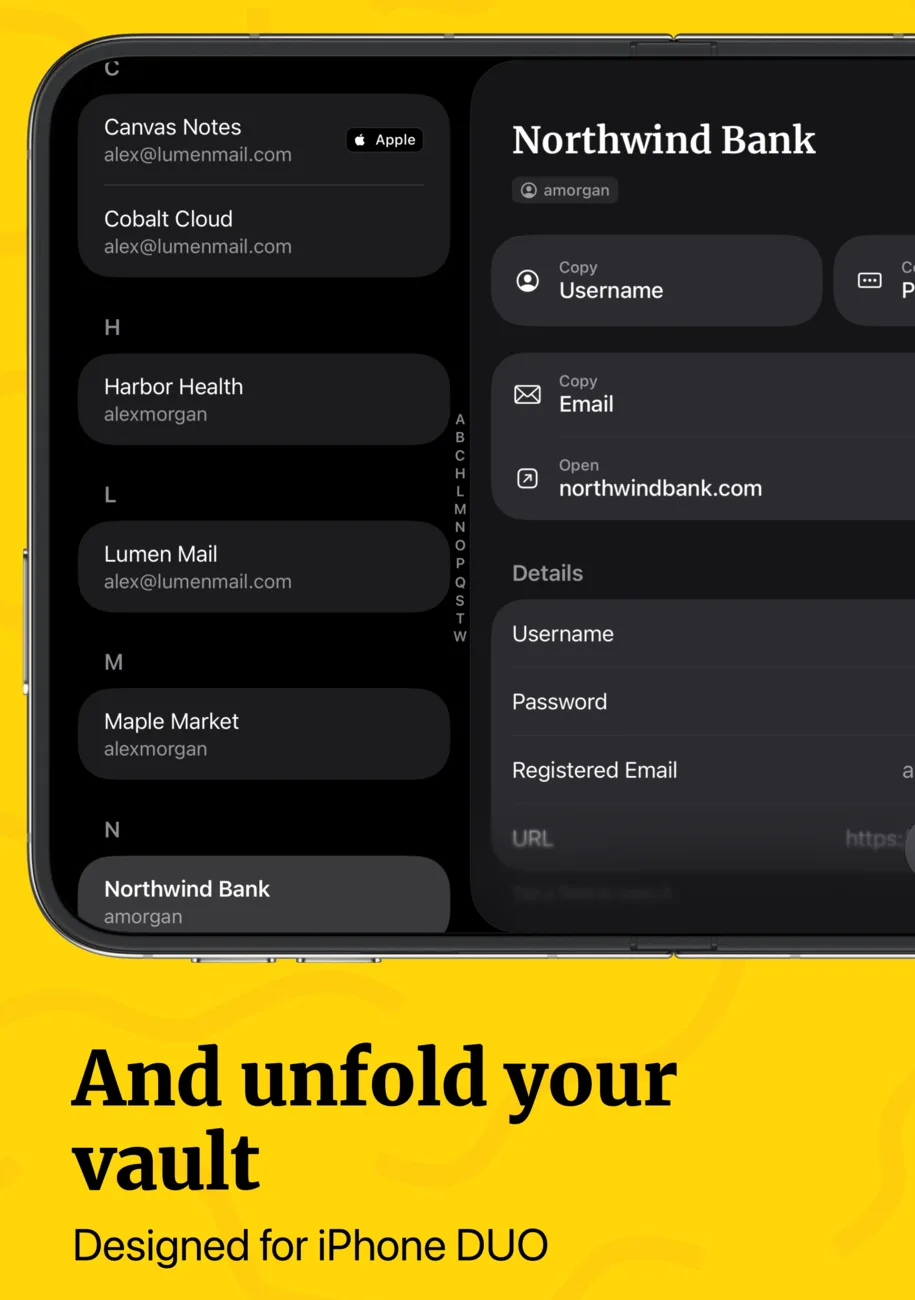
And unfold your vault. Designed for iPhone Duo.
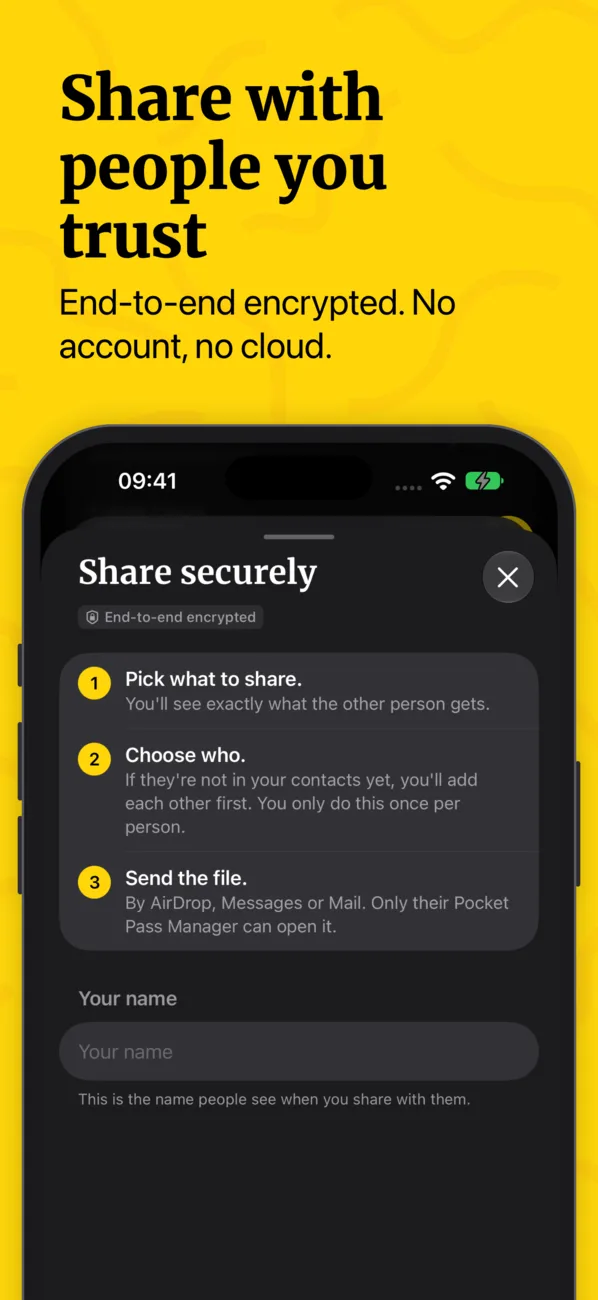
Share with people you trust. End-to-end encrypted, no account, no cloud.
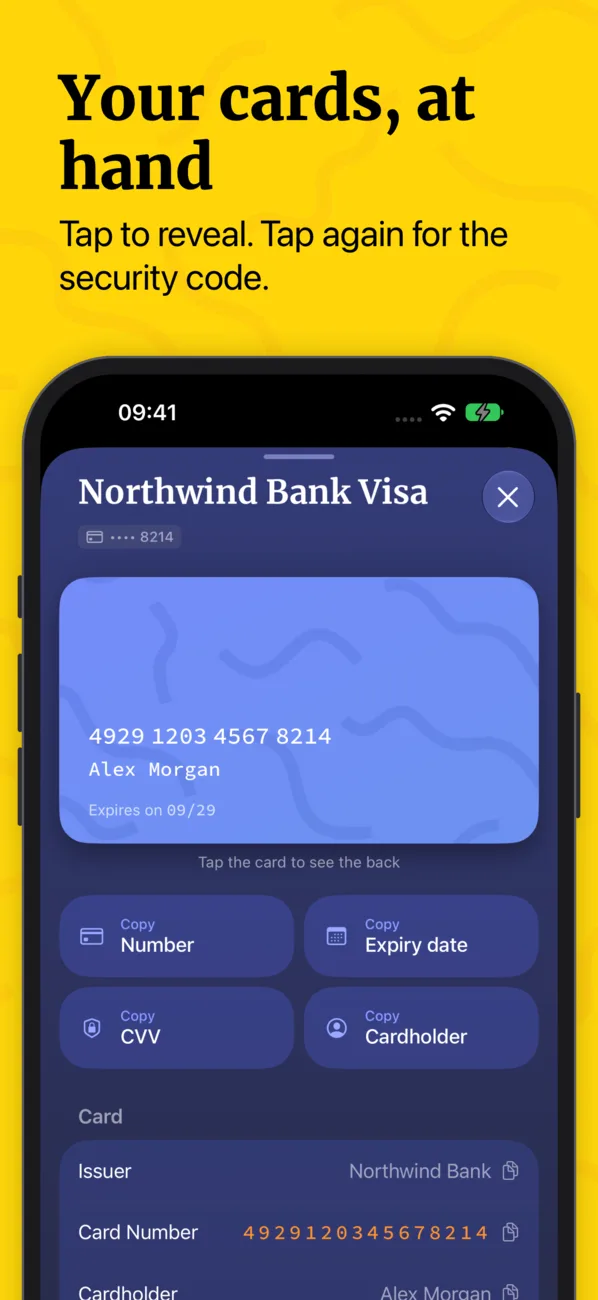
Your cards, at hand. Tap to reveal, tap again for the security code.
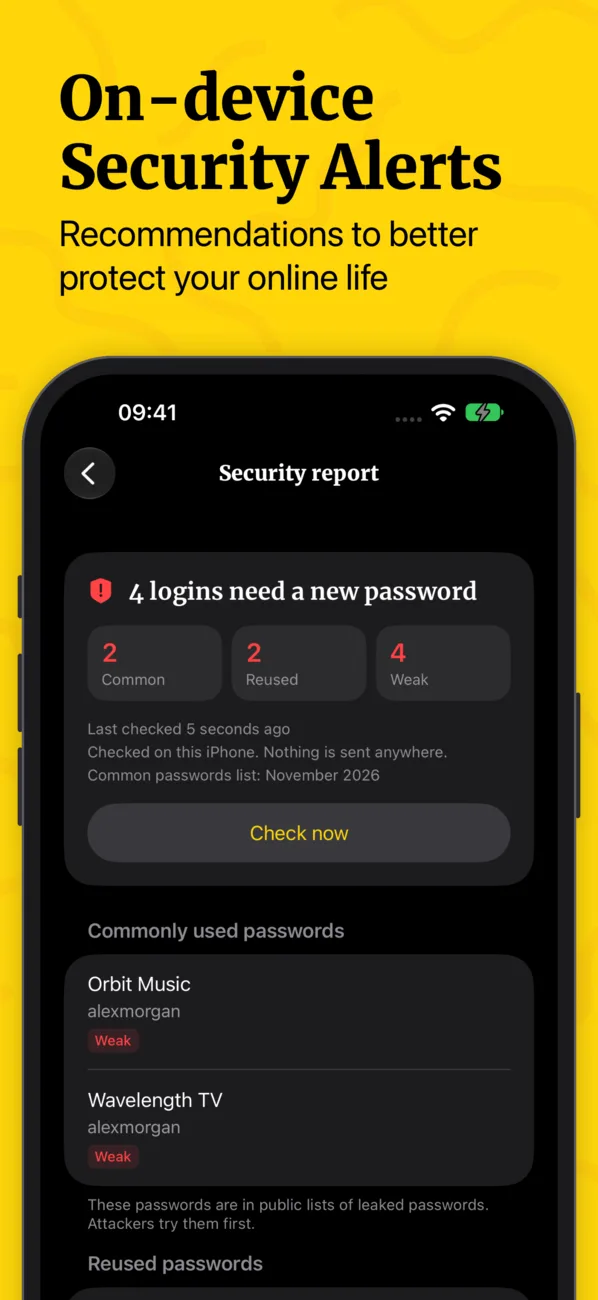
On-device security alerts that help protect your online life.
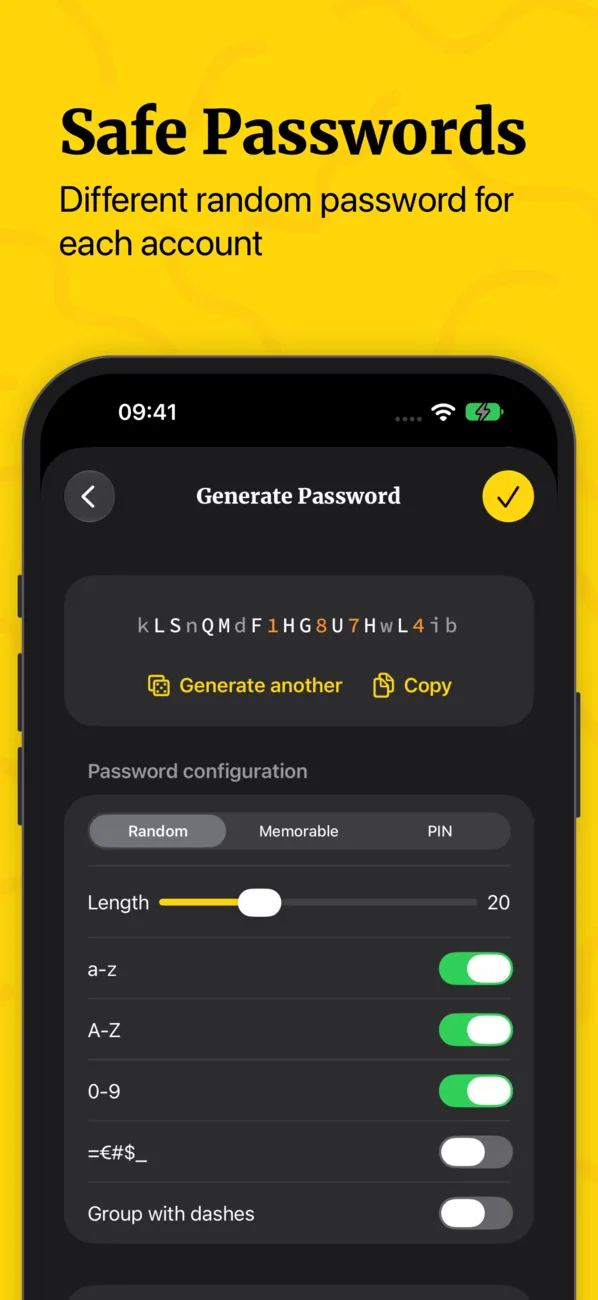
Safe passwords: a different random password for each account.
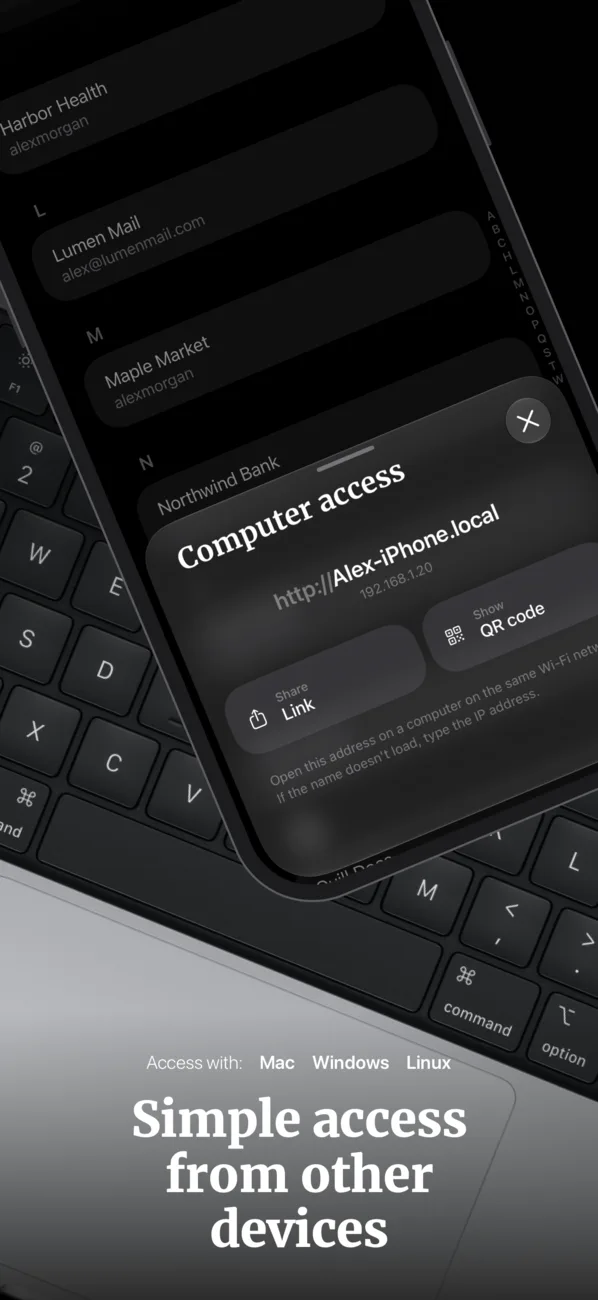
Simple access from other devices: Mac, Windows and Linux.
Codes even on StandBy. Your next code at a glance.

New version 3

New in Pocket Pass Manager 3.0

  • Redesigned for iOS 27

    Native sheets everywhere. Tap any field to copy it.

  • Search your whole vault

    From its own tab: passwords, codes, cards, Wi-Fi, notes and HomeKit.

  • Share with people you trust

    End-to-end encrypted. No account and no cloud.

  • Verification codes in AutoFill

    Right above the keyboard.

  • Widget for Home Screen and StandBy

    With your most used codes.

  • Safer by design

    When the app locks, nothing stays decrypted, and secrets are read only when you use them.

  • Made for iPhone Duo

    Unfold it to see your list and the selected item side by side.

  • Security report

    An offline check finds common and reused passwords, so you know what to change first.

Streamlined password management, simplicity and top-notch security

Streamlined UI. Native to iOS, it provides an elegant and user-friendly experience. Local Security. Your digital keys stay on your device, shielding them from online threats. Private Network Access. Open your vault in a browser on your Mac or PC over your own Wi-Fi, without the internet. Organized Access. Easily manage passwords, Authenticator codes, WiFi details, private notes, and credit card info. Authenticator Widget. Quickly access codes from your home screen for faster authentication. Biometric Quick Entry. Use Face ID or Touch ID for secure and immediate access. Offline Peace of Mind. No cloud involvement reduces digital exposure, ensuring complete security for your sensitive data.

Designed exclusively for iOS, Pocket Pass Manager brings straightforward security to your fingertips.

Passwords and AutoFill. Save logins and fill them in Safari and other apps. Create strong passwords or easy-to-type passphrases with the built-in generator.

Built-in authenticator. Generate two-factor (2FA) codes, TOTP and HOTP, without a separate authenticator app. Scan a QR code to add one and link it to its login.

Everything else worth keeping safe. Credit cards, Wi-Fi networks you can share with a QR code, HomeKit and Matter setup codes, and secure notes.

Backups you control. Create an encrypted backup and keep it wherever you like, in iCloud Drive or anywhere else. Restore it on a new iPhone with your master password and your recovery code.

Free for up to 20 passwords, 10 authenticator codes and 5 notes. A one-time purchase removes the limits, with no subscription.

Offline yet Ubiquitous

Even if your passwords don't travel the internet, you can seamlessly access them from other devices on the same local network.

PC and Mac can access the vault data from a web explorer.

Access from:

Mac PC Linux Android

Privacy

That's Pocket Pass Manager

Pocket Pass Manager is 100% offline, making it not only secure but also private. The app doesn’t establish any internet connection, ensuring that we cannot collect any personal data. With Pocket Pass Manager, what you do is your concern, not ours.